
A camera from
another planet.
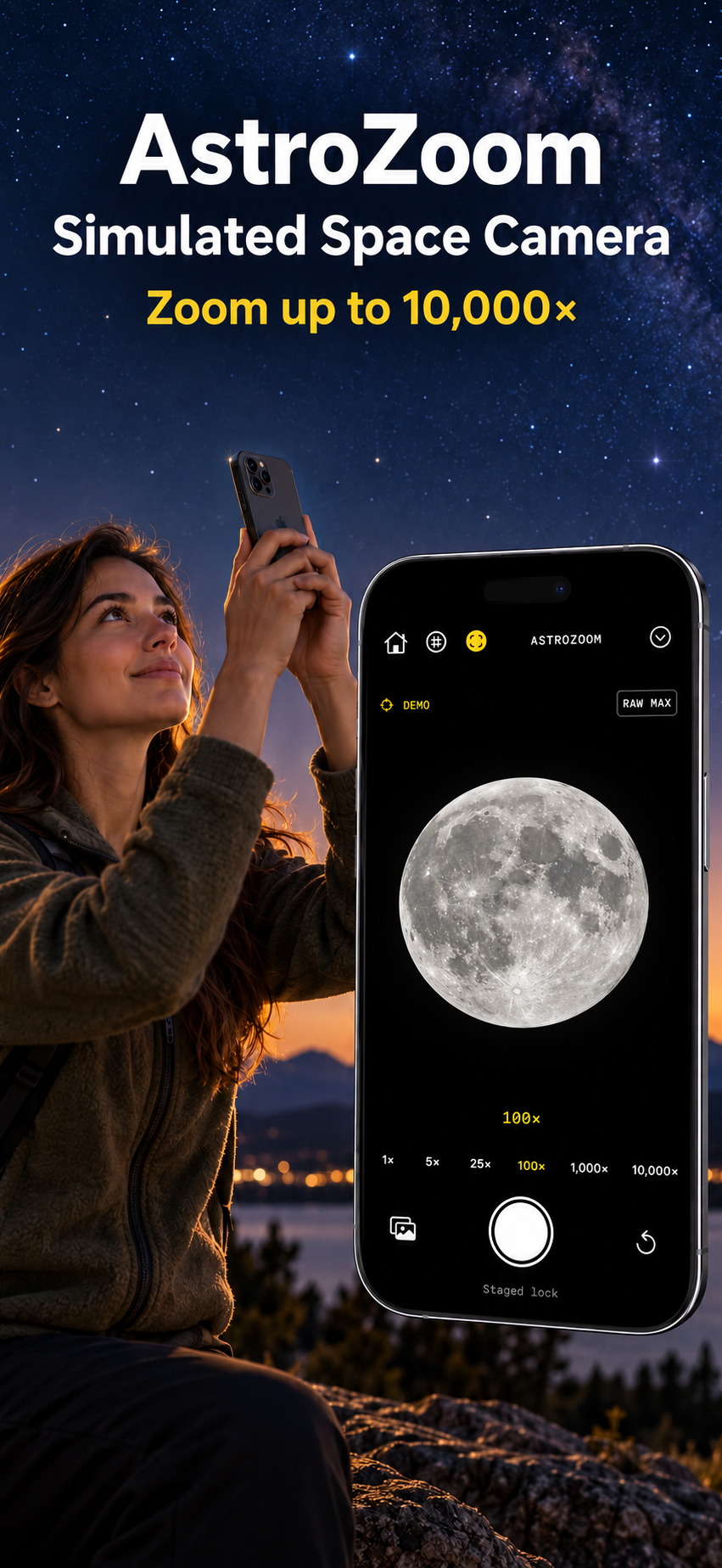
Zoom to 10,000× and watch the Moon fill your viewfinder. AstroZoom adds simulated space detail to your camera for a playful telescope effect.
The zoom and planetary detail are simulated. Your iPhone lens does not capture these surface details.
Choose your corner of space.
Pick the Moon, Mars, Jupiter or Sirius. Pinch or drag the zoom dial from 1× to 10,000×. Turn on stabilization to smooth small movements in the overlay.
A full Moon in your viewfinder.
Explore the approximate current lunar phase, or turn on Show full Moon in Camera settings for a simulated full Moon.
Take the shot.
Capture a simulated space photo, save it to Photos or open the iPhone share sheet. Every export includes a simulation label.
Try it indoors.
Demo sky works without camera or location access. You can also hold the viewfinder to stage a lock. Automatic sky targeting uses your phone’s location, time and direction to estimate a supported object’s position. Compass errors can offset the overlay.
Built for iPhone.
Requires iOS 17 or later. No account, subscriptions or in-app purchases. Planetary imagery is bundled, so the simulation works offline. Optional usage analytics require consent.
AstroZoom privacy policy · Support · Terms
The App Store download link will appear here after Apple makes the listing public.