
Let the app find the note.
Automatic chromatic detection works across the tuner range. Instrument presets make the expected open strings easier to pick out.
You picked up your instrument to play, not to get past an ad. Open Barebones Tuner, play one note, and adjust until the meter turns green.
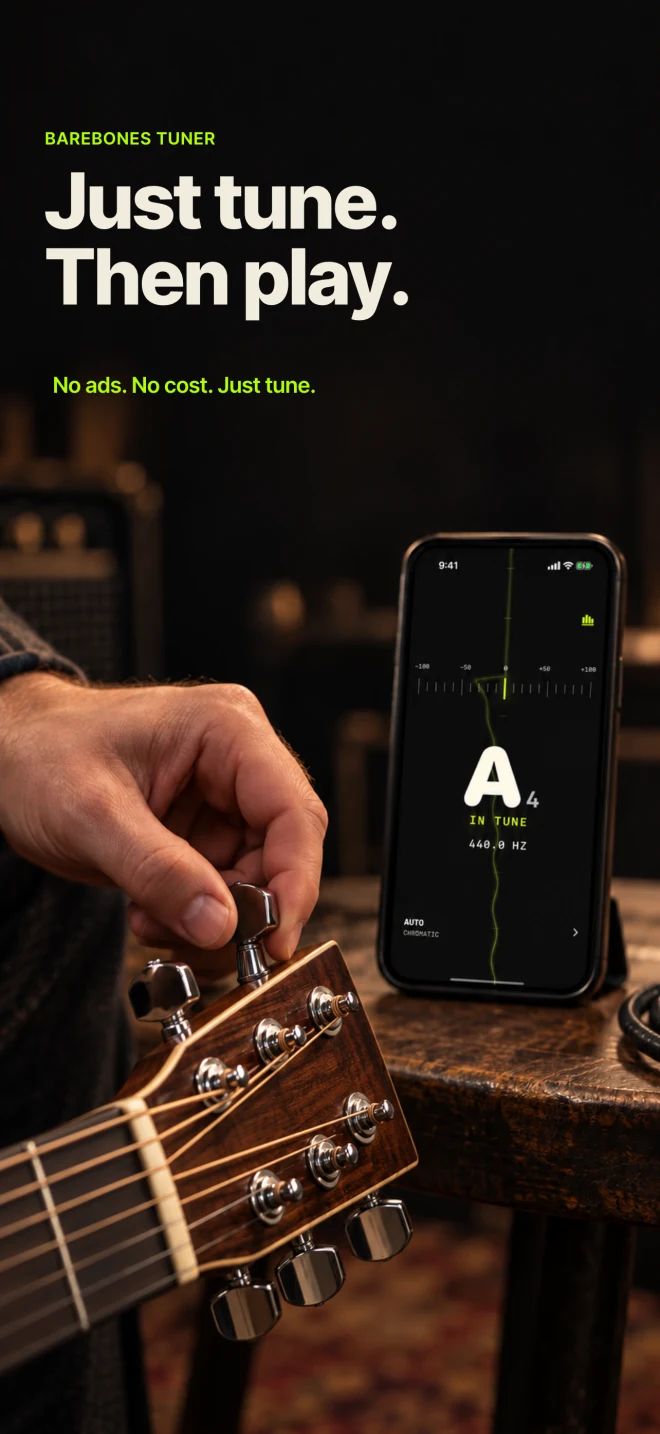
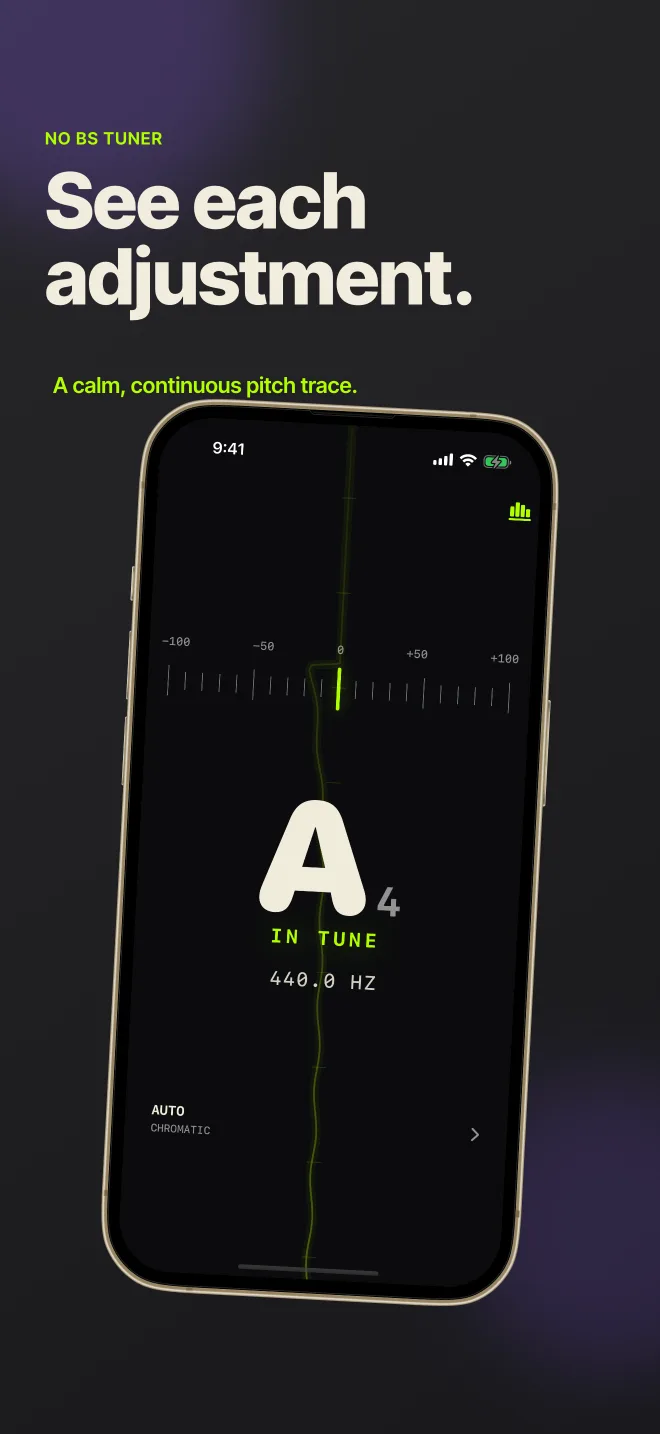
The live meter shows how far the note is from pitch. The trace keeps each adjustment visible instead of replacing it with the next jump.
Swipe to see all three screens
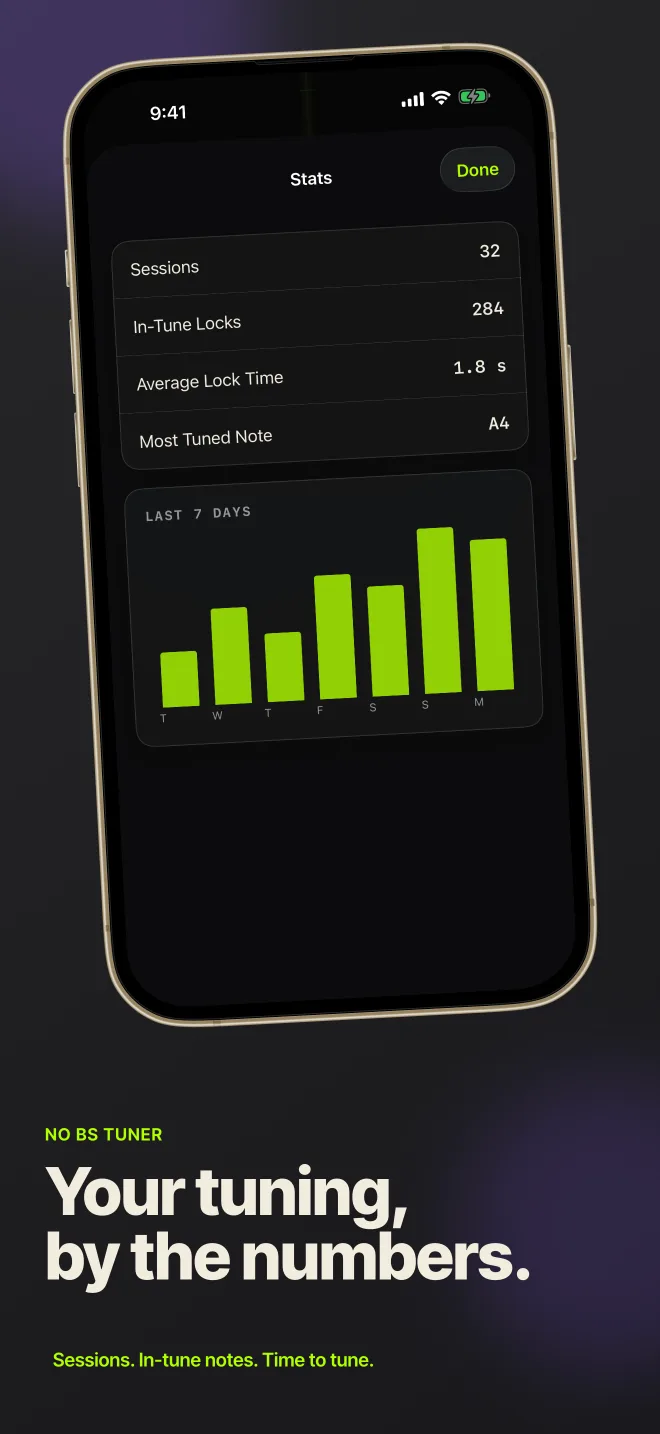
No lesson plan, feed, login, or paywall stands between the instrument and the tuner.
Allow microphone access and play a sustained note near the iPhone or iPad.
The app names the nearest note and shows whether the pitch is flat or sharp.
Turn the peg until the center lights green, then move on to the next string.
Automatic chromatic detection works across the tuner range. Instrument presets make the expected open strings easier to pick out.
Set A4 anywhere from 430 to 450 Hz when an ensemble or another instrument uses a reference other than 440 Hz.
The pitch trace moves upward over time. Your adjustments enter at the bottom so you can see whether the note is settling.
The app analyzes audio in memory while it is open. It does not record or upload the microphone signal. Optional product analytics stay off until you enable them.
Barebones Tuner is free in version 1, with no ads, account, subscription, or in-app purchase. The interface is currently in English.
View on the App StoreRequires microphone access for pitch detection. Play one note at a time; the app does not detect chords.