
Bridge a gap or guide the ball.
Each puzzle gives you a physical situation and a goal. Your drawing is part of the answer, but there is room for different constructions.
A blue line can become a bridge. Two red wheels can turn your drawing into a car. Add weight, bounce, grip, gears, ropes, or springs, then press play and learn from what happens.
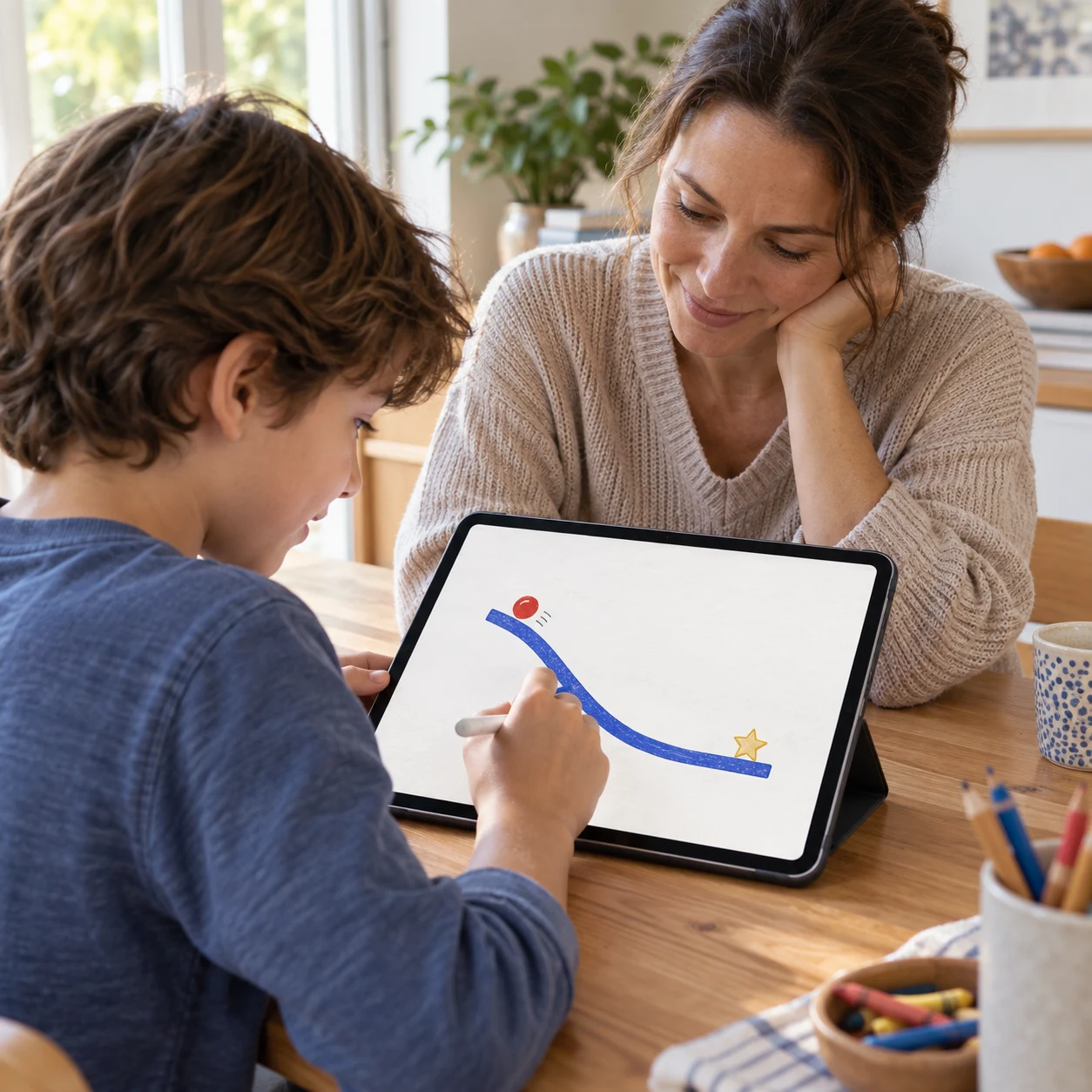
These are generated lifestyle scenes based on the current game. The gallery below contains actual captures from the native iPhone and iPad build.
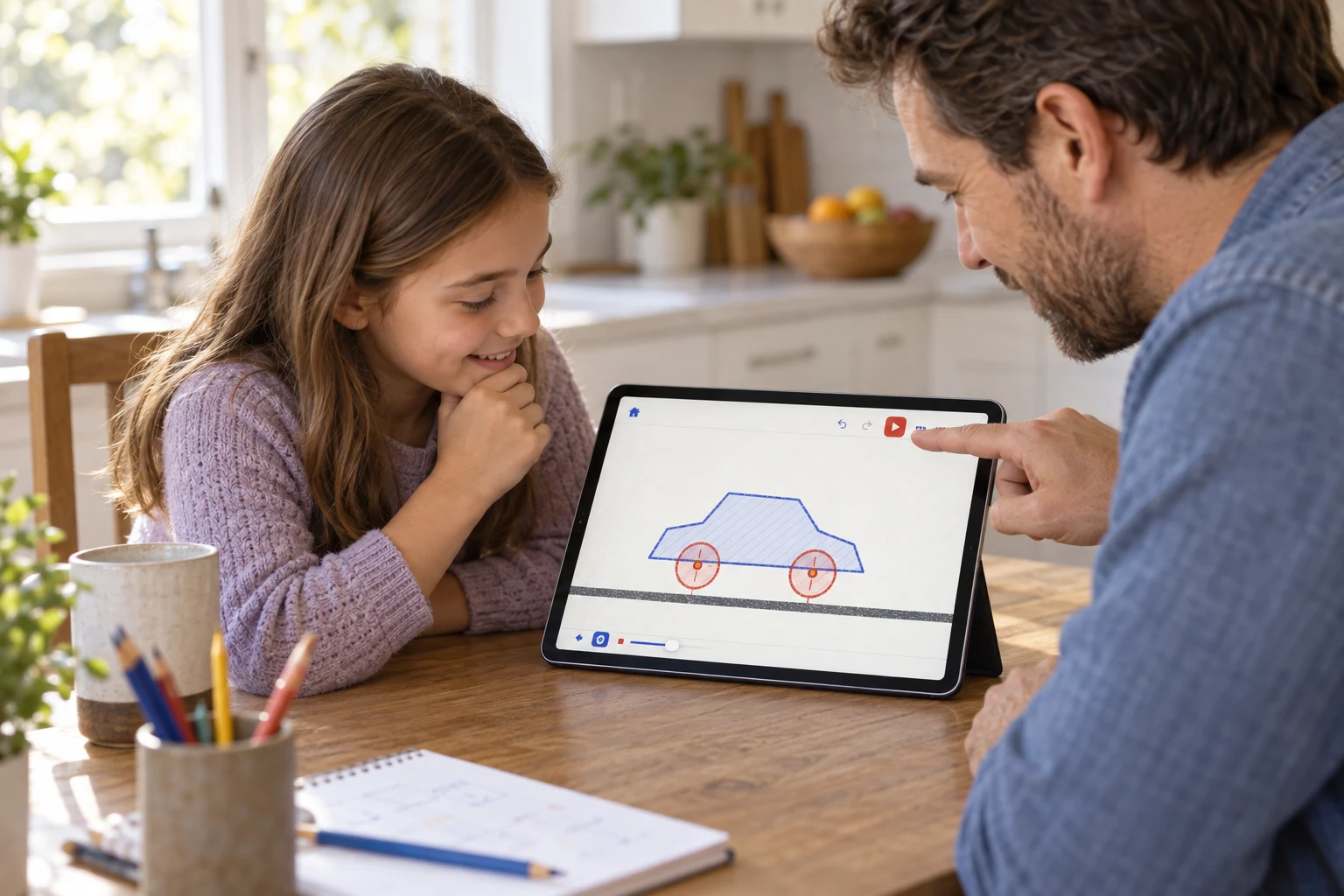
Draw a body, add two wheels, choose which way they spin, and see whether the car moves. If it tips or slips, pause and change the design.
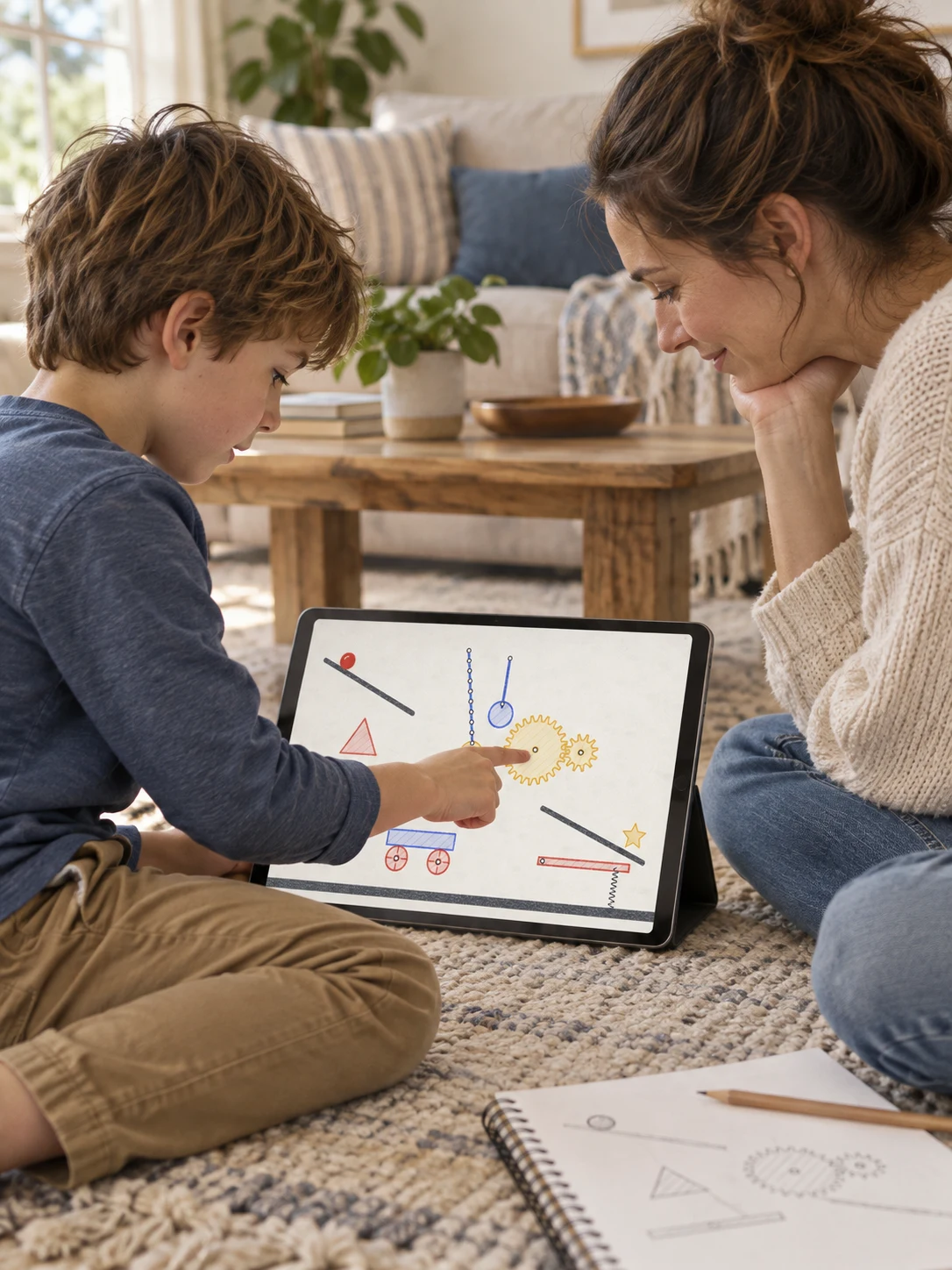
Start with a puzzle or a blank piece of paper. Move a part, make it heavier, swap the material, or rebuild the whole idea. Children can test their own plan while a grown-up asks the next useful question: what do you think will happen?
The current game works without an account or internet connection. Drawings and puzzle progress stay on the device.
See how the playground worksThese six images come from the native app capture flow. They are not interface mockups.
Swipe to see every screen
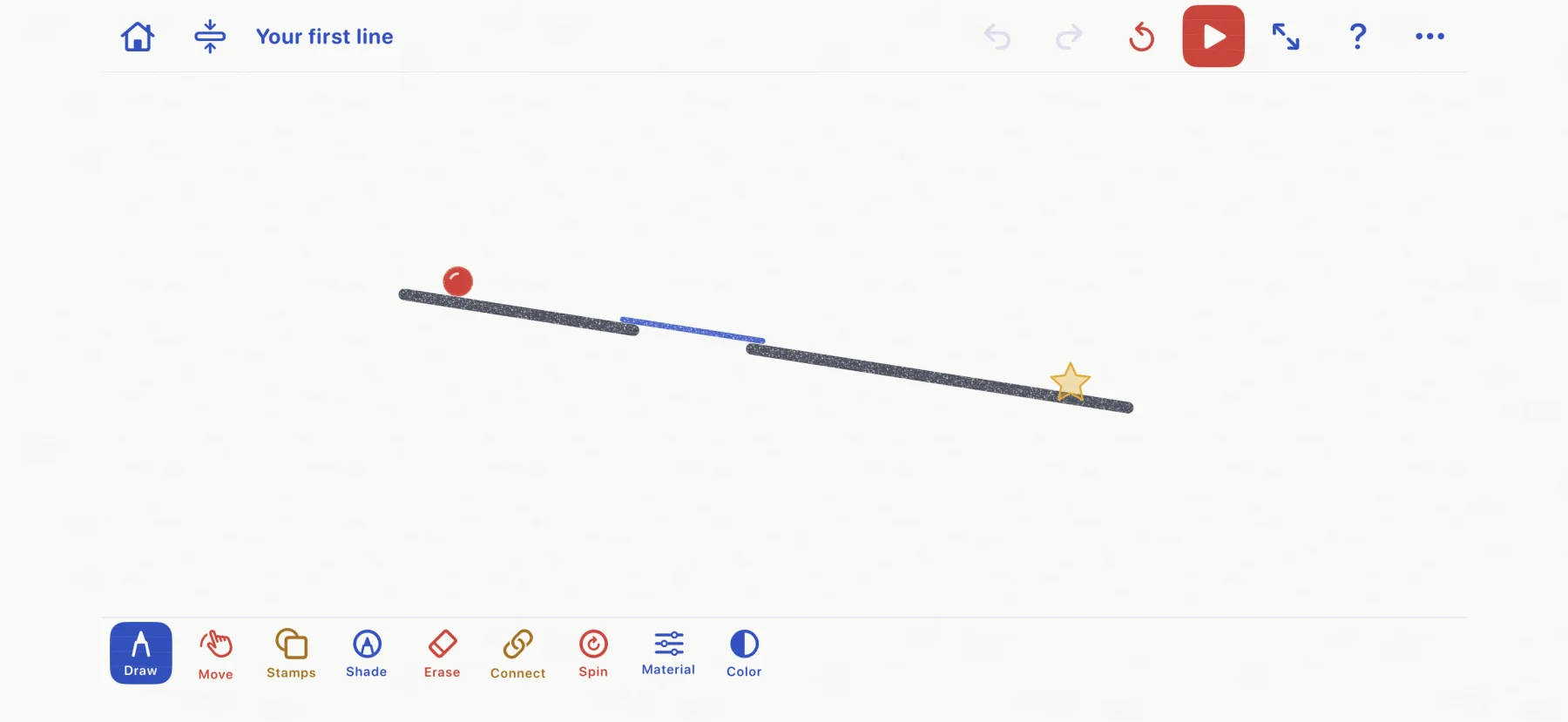
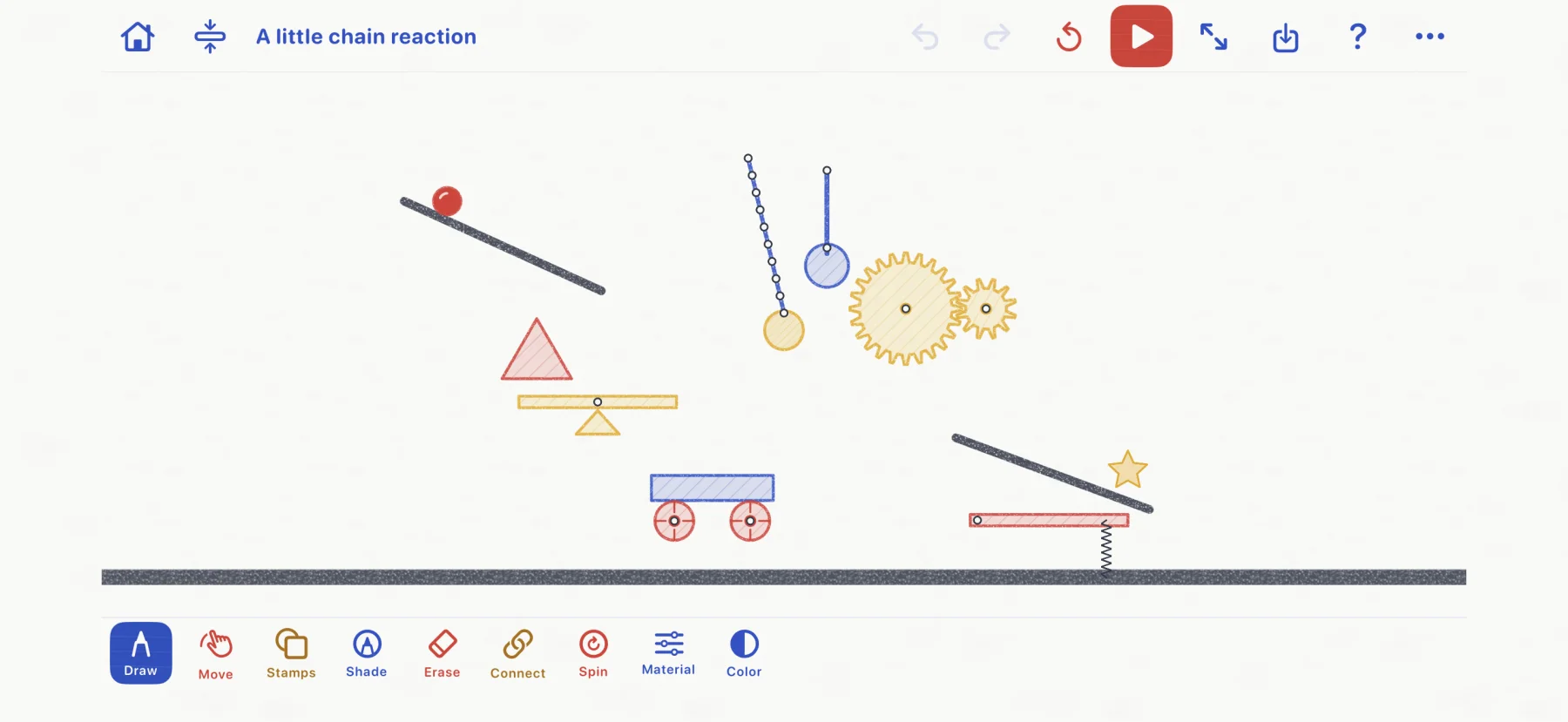
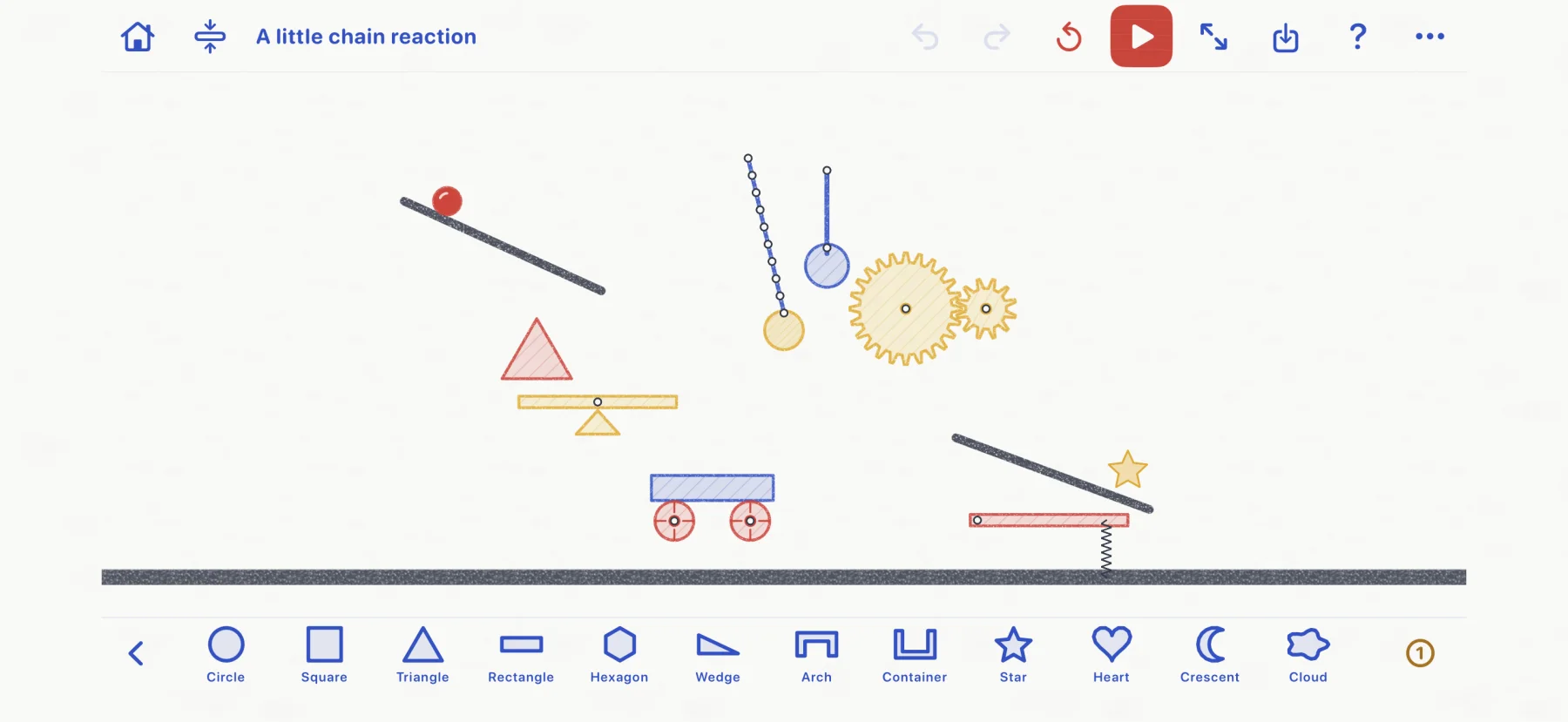
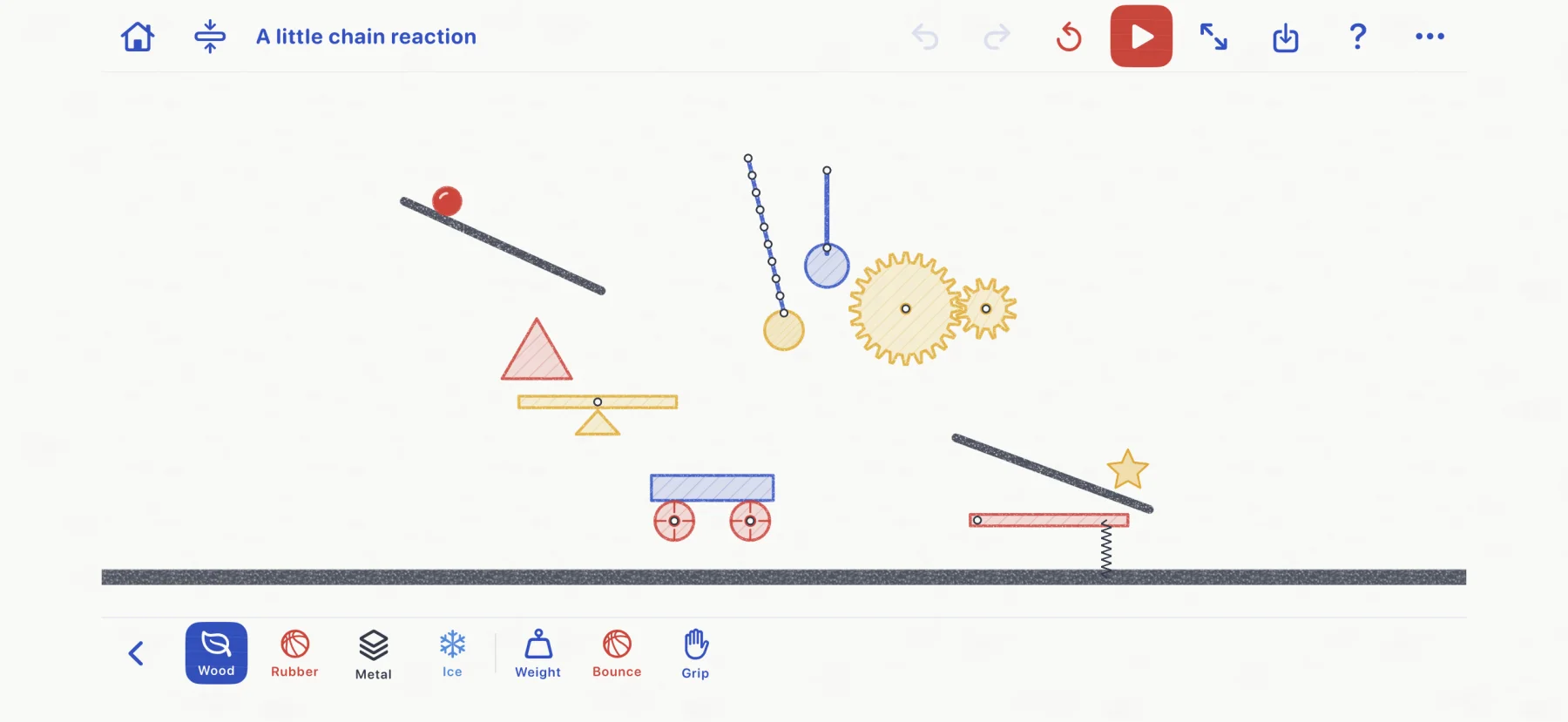
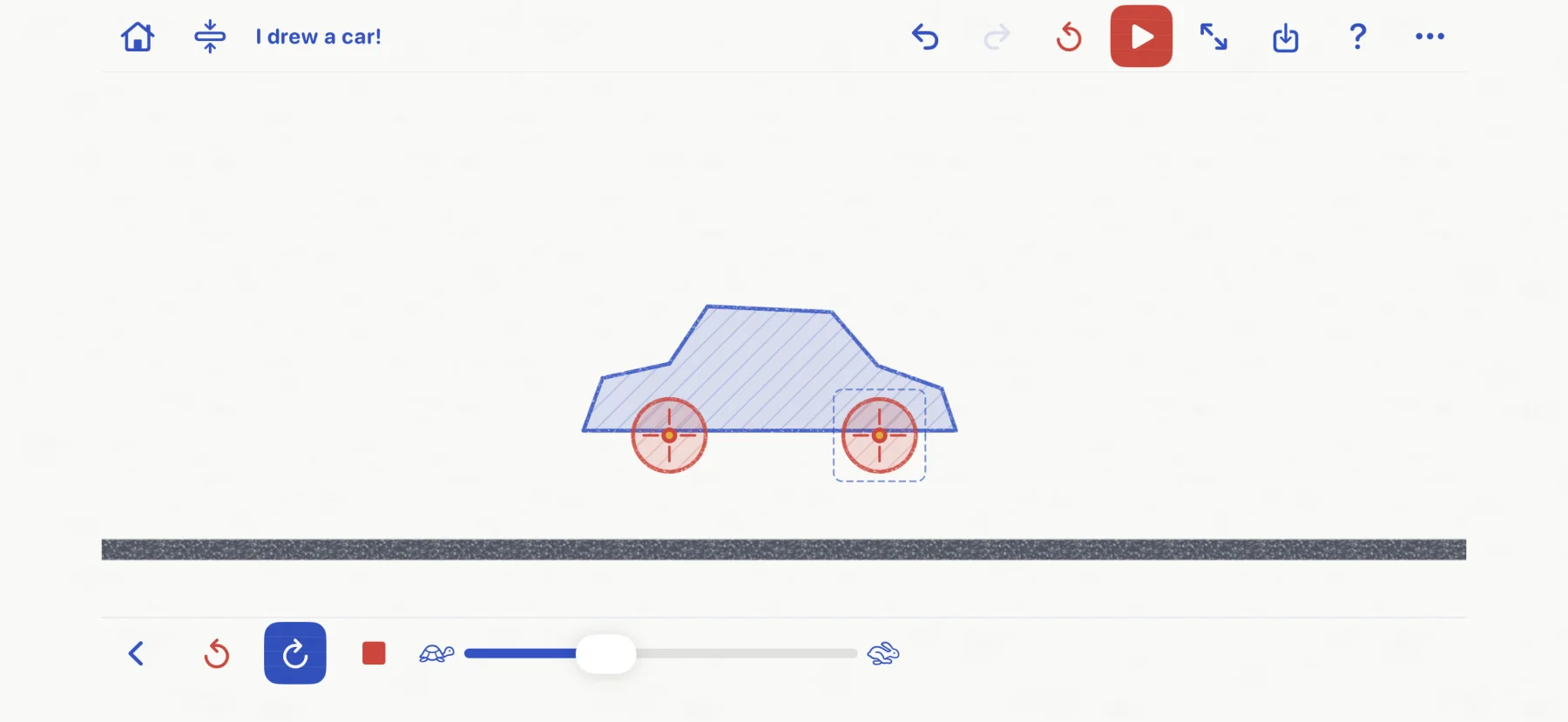
The game keeps the experiment visible. You can pause, move a part, undo a change, and press play again without losing the idea.
Open lines become rods. Closed outlines become solid shapes. Stamps give you wheels, gears, cars, seesaws, and other useful parts.
Connect parts with axles, pins, fixed joins, ropes, or springs. Change material, weight, bounce, grip, or motor direction.
Watch gravity and contact do the rest. Pause to move, turn, or resize a part, then test the next version.
Each puzzle gives you a physical situation and a goal. Your drawing is part of the answer, but there is room for different constructions.
Make a car, a pendulum, a gear train, or a chain reaction. Name the invention and reopen it later.
Take turns drawing, changing one property, and watching the result. The game is designed for curious children and the grown-ups beside them.
No login or network connection is needed. The current build contains no advertising, analytics SDK, subscription, or in-app purchase.
Drawn to Physics is still being prepared for release. The current build runs on iPhone and iPad with iOS or iPadOS 26 and later, but it has not been submitted to the App Store. We will add the direct listing here after it becomes public.
Ask for the launch linkThe current build includes the full playground and works offline. Apple Pencil is optional. Public pricing has not been announced.
No. Finger drawing, stamps, tools, puzzles, and the workshop work without one. On supported iPads and Pencil models, pressure changes line thickness, tilt strengthens shading, hover previews placement, and barrel roll turns stamps.
The game is a single-device playground rather than an online multiplayer game. A child and grown-up can still take turns drawing, predicting, pressing play, and rebuilding on the same iPhone or iPad.
Yes. The current build needs no account or network connection. Drawings, puzzle progress, preferences, and troubleshooting reports stay on the device unless you explicitly share a report.
No. That is part of the experiment. Very small or crowded shapes may need more room, and a design may tip, slip, or miss the goal. Pause, adjust it, and try another version.
No public release date is announced. The page will link to the real App Store listing after it is live.