
Finish the scramble you already have.
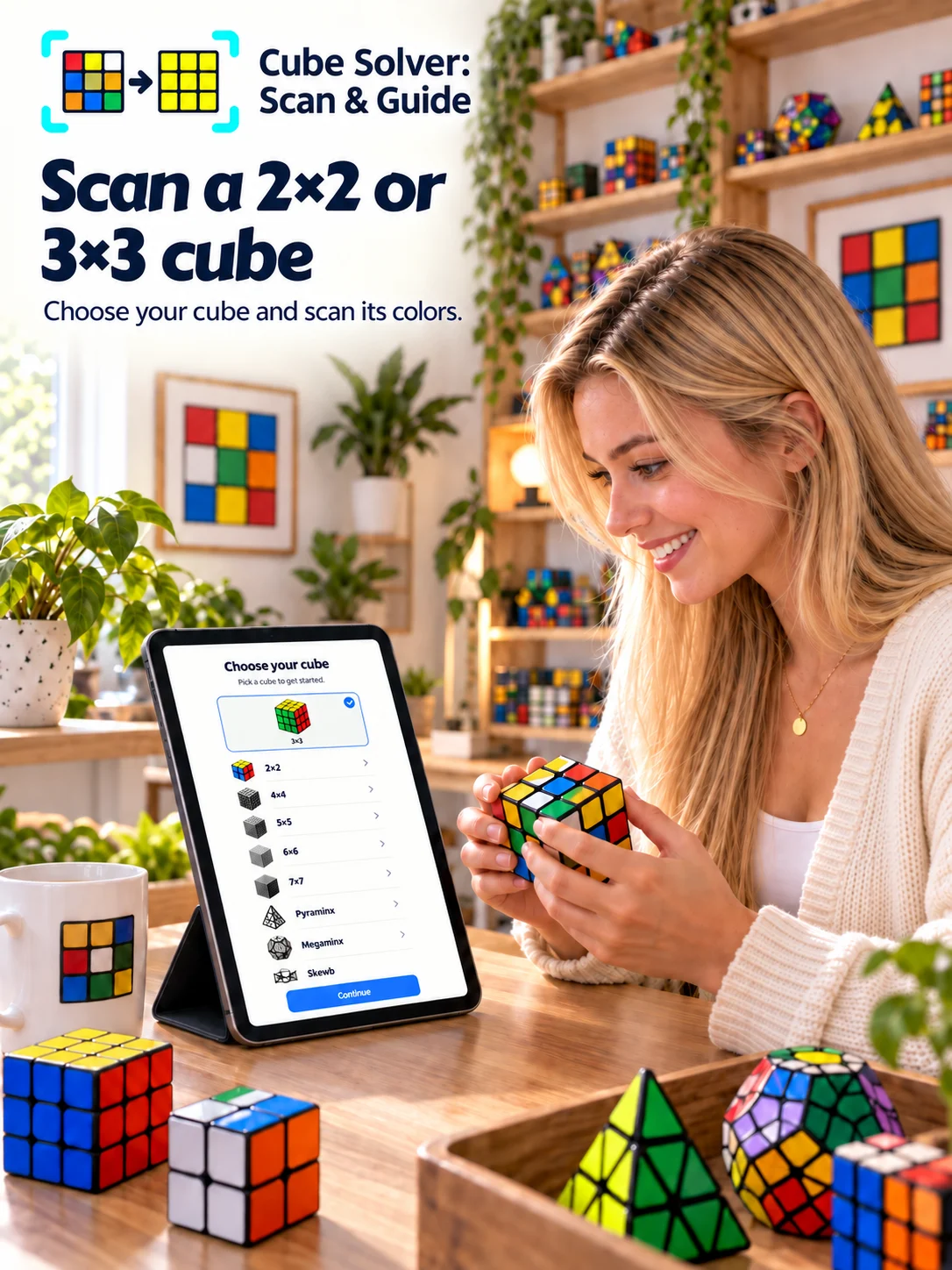
Use the camera on the real 2×2 or 3×3 in your hands. If light or reflections confuse one color, adjust that sticker on the review map.
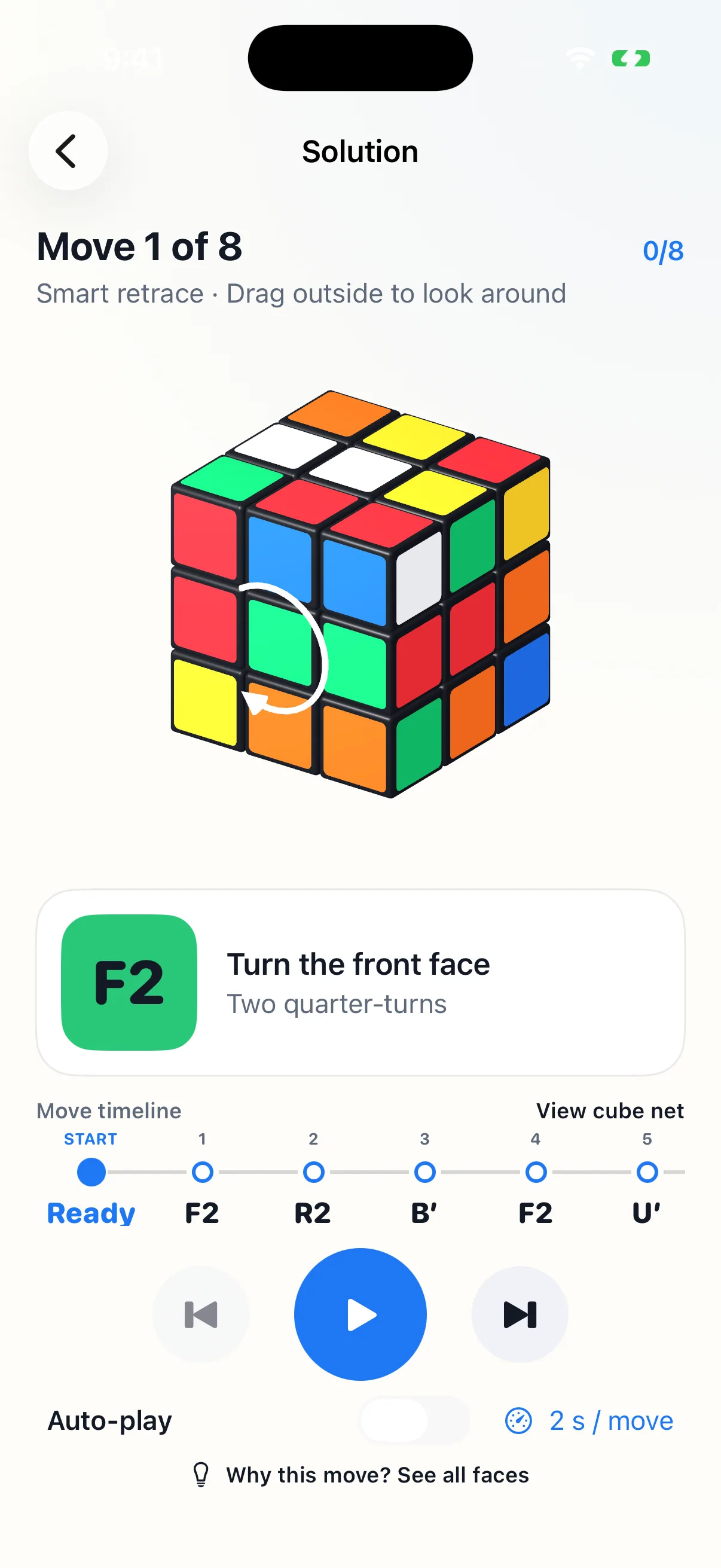
Photograph your real 2×2 or 3×3 cube, check all six faces, and follow an animated solution you can actually copy. The arrow shows which face to turn. The timeline and unfolded map show what happens next.
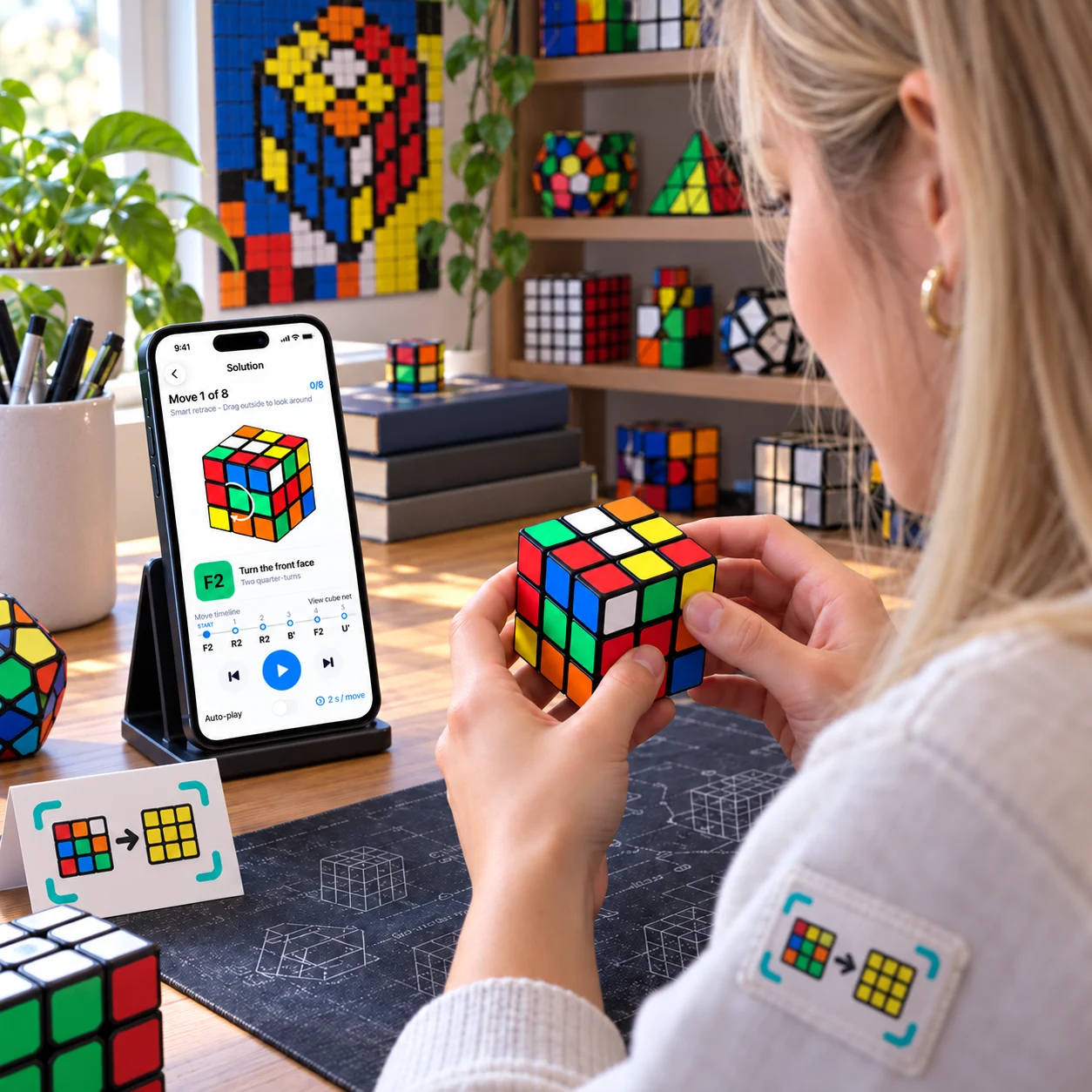
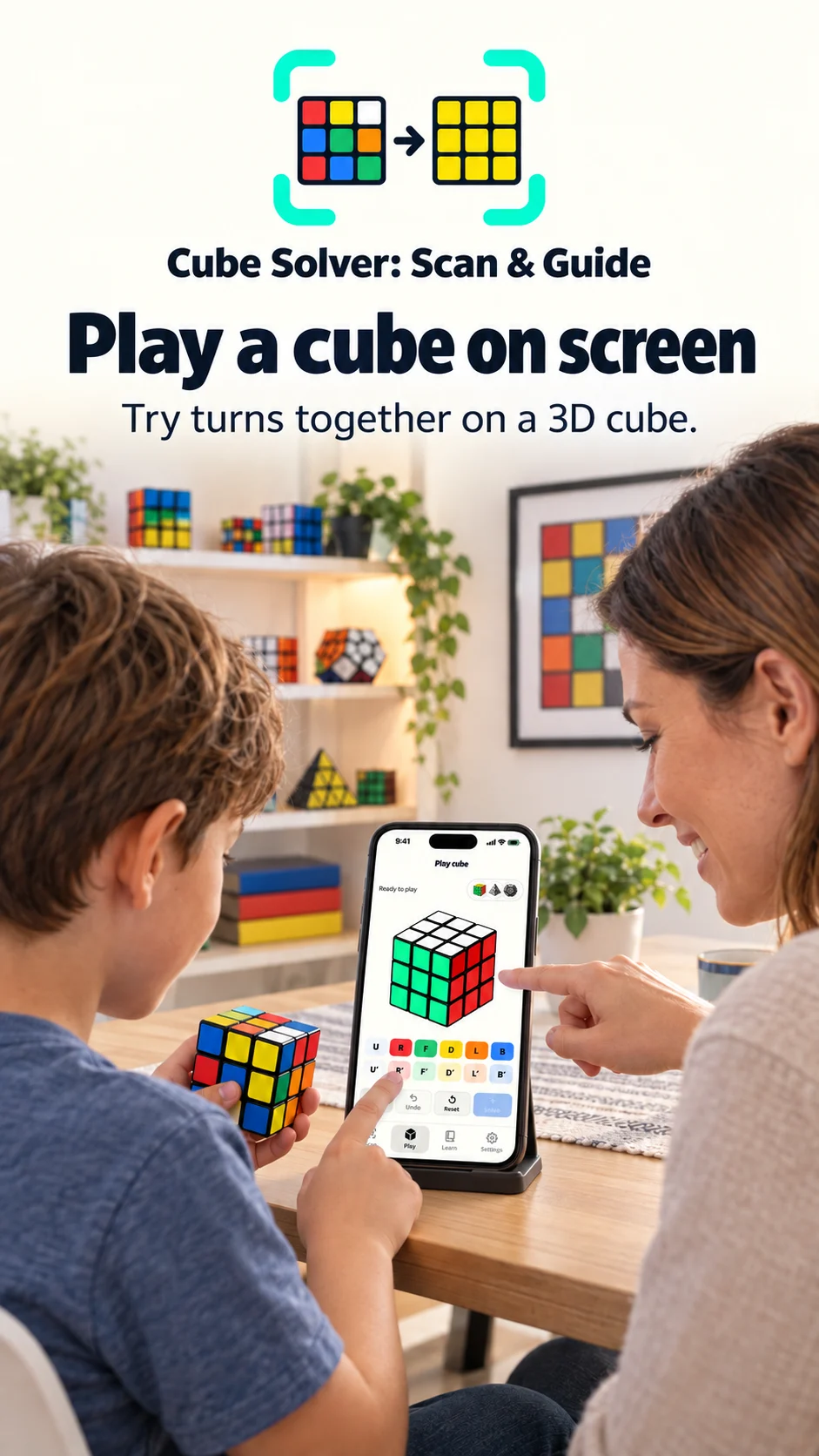
These lifestyle scenes illustrate the workflow. The app gallery below contains captures from the current iPhone build.
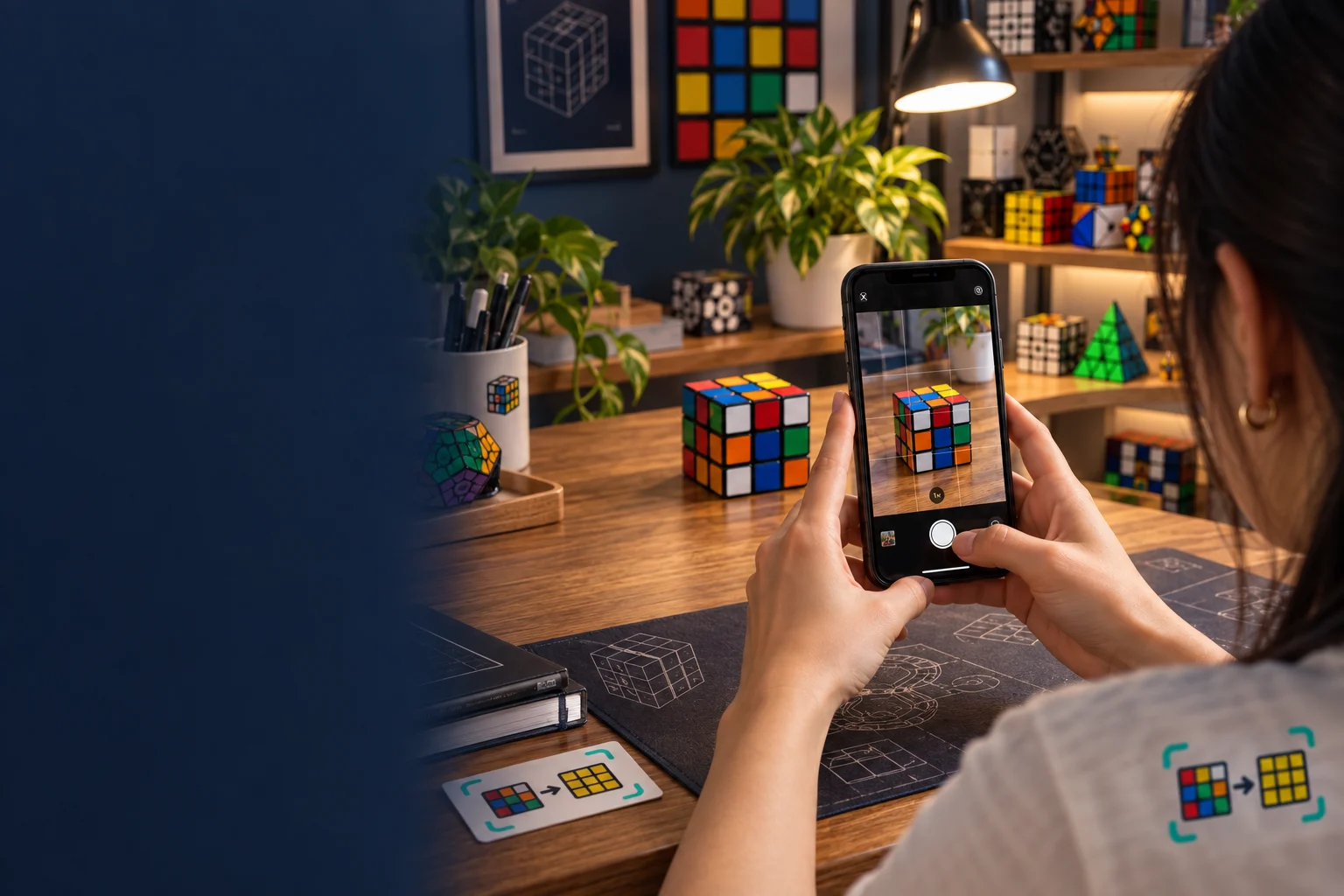
Cube Solver guides you around all six faces. Hold each side inside the grid, take the photo, then keep the same Top and Front as you turn the cube.
How to keep the faces oriented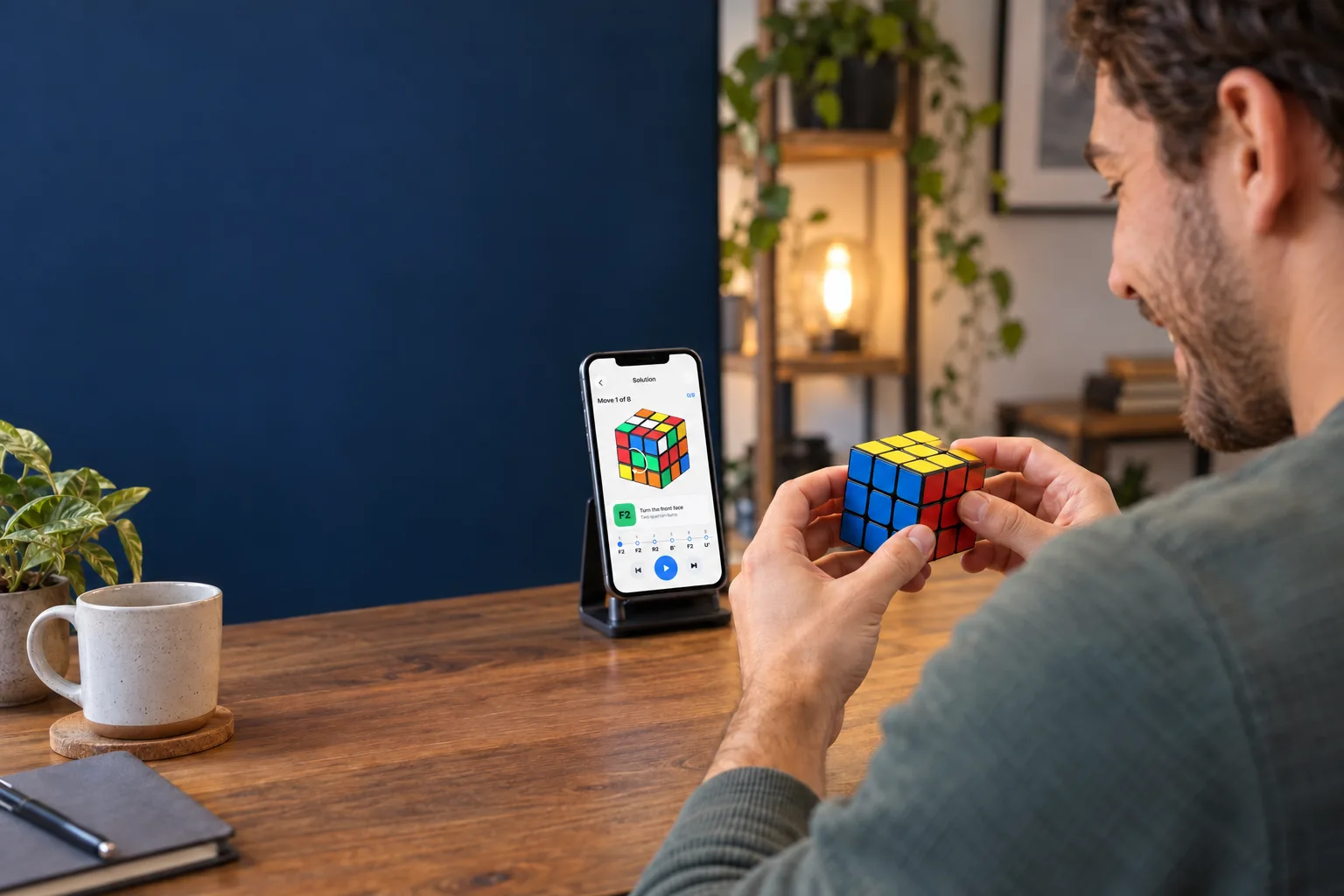
One move stays on screen until you are ready. Double turns animate as two quarter-turns. Tap a timeline step to revisit it, or open the cube net to see every face.
Why the unfolded map helpsScan, learn, and play with the cube in front of you. The same light interface works on iPhone and iPad.
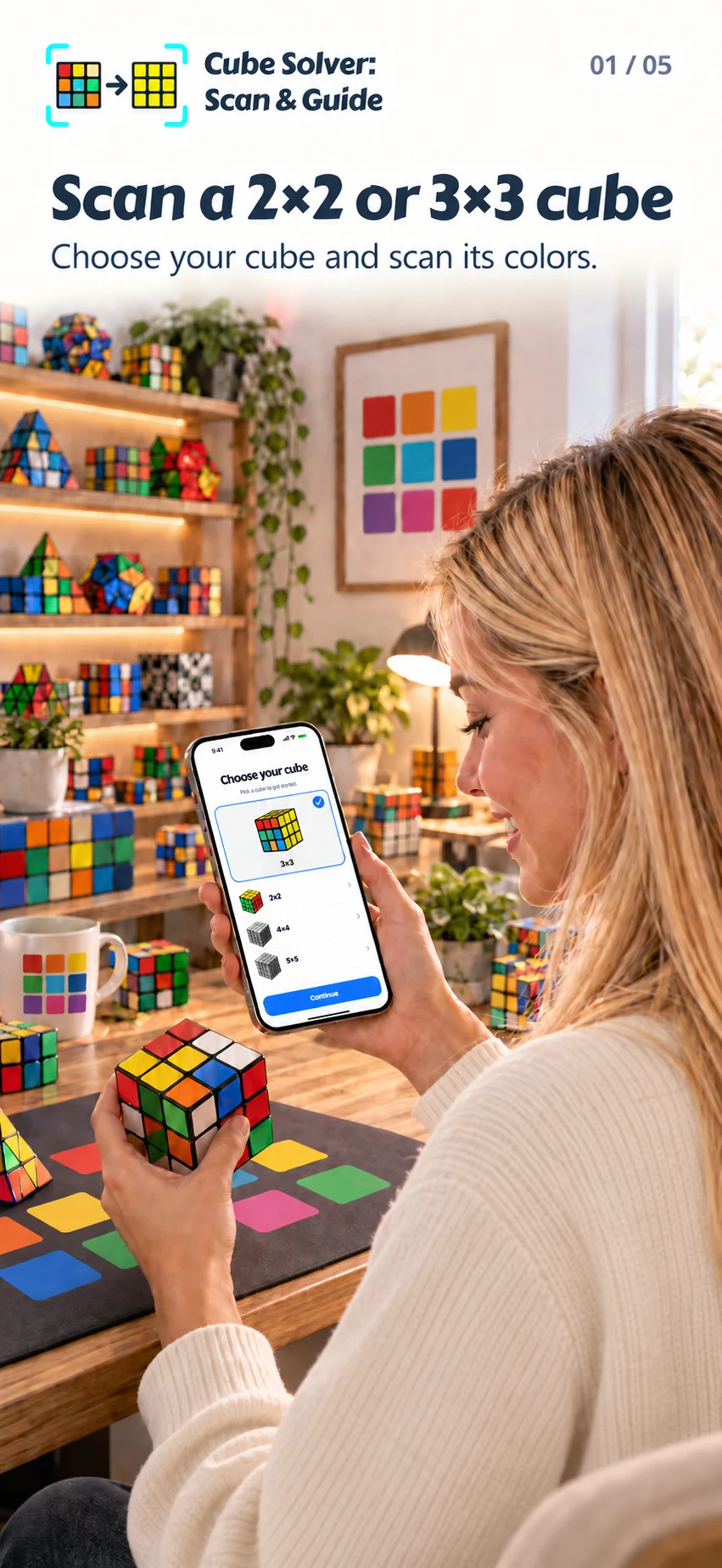
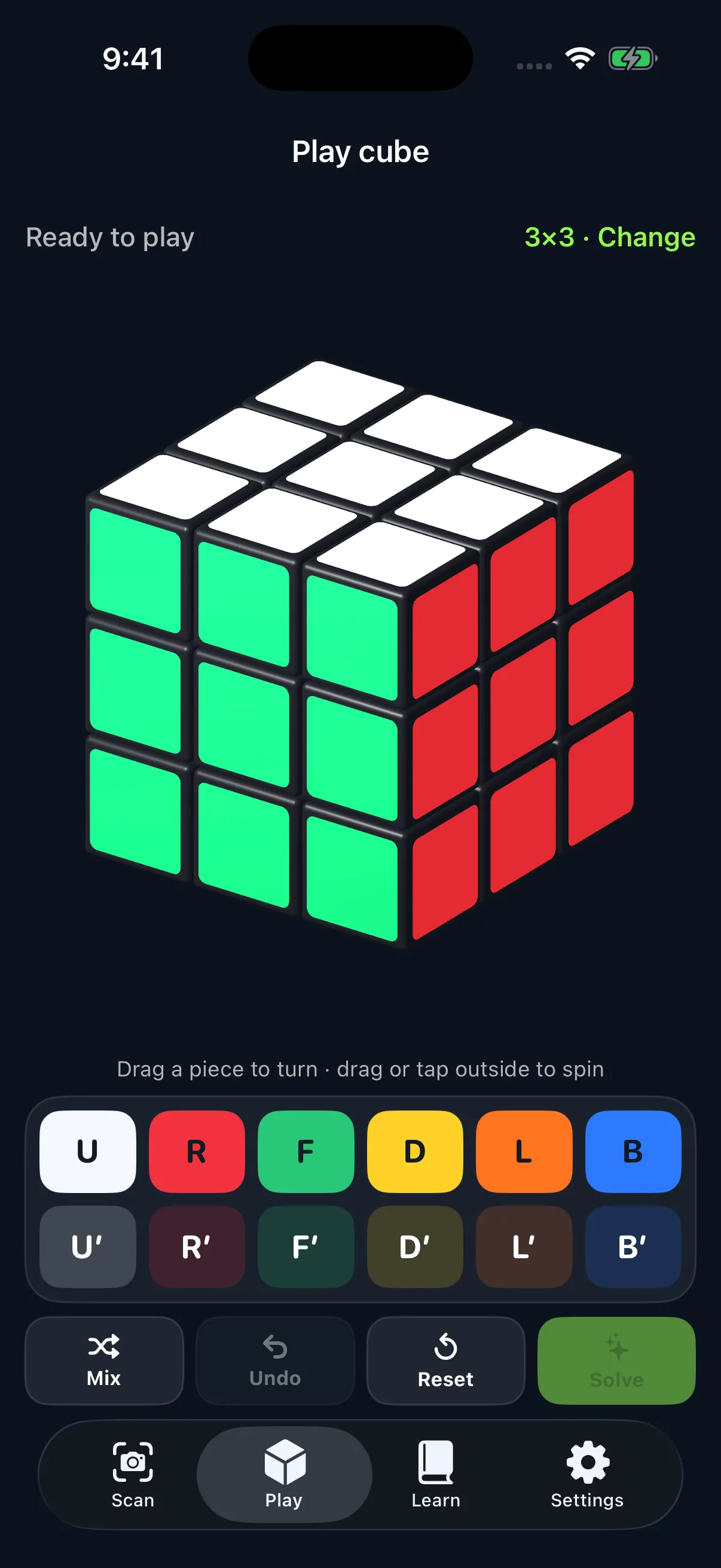
Fresh captures from the current iPhone simulator build. The simulator has no camera feed, so the gallery shows Solution, Play, and Learn rather than a misleading empty Scan view.
Swipe to see all three screens
Useful when your real cube is scrambled and a list of letters is not enough.
Select 2×2 or 3×3 and choose Solve. The app also offers pattern guidance and a playable 3D cube.
Photograph the six faces, following each orientation cue. Review the unfolded cube and correct any misread sticker before building the guide.
Copy one arrow at a time, play the turn animation, and use the numbered timeline or all-face map whenever you want to see what changed.
Use the camera on the real 2×2 or 3×3 in your hands. If light or reflections confuse one color, adjust that sticker on the review map.
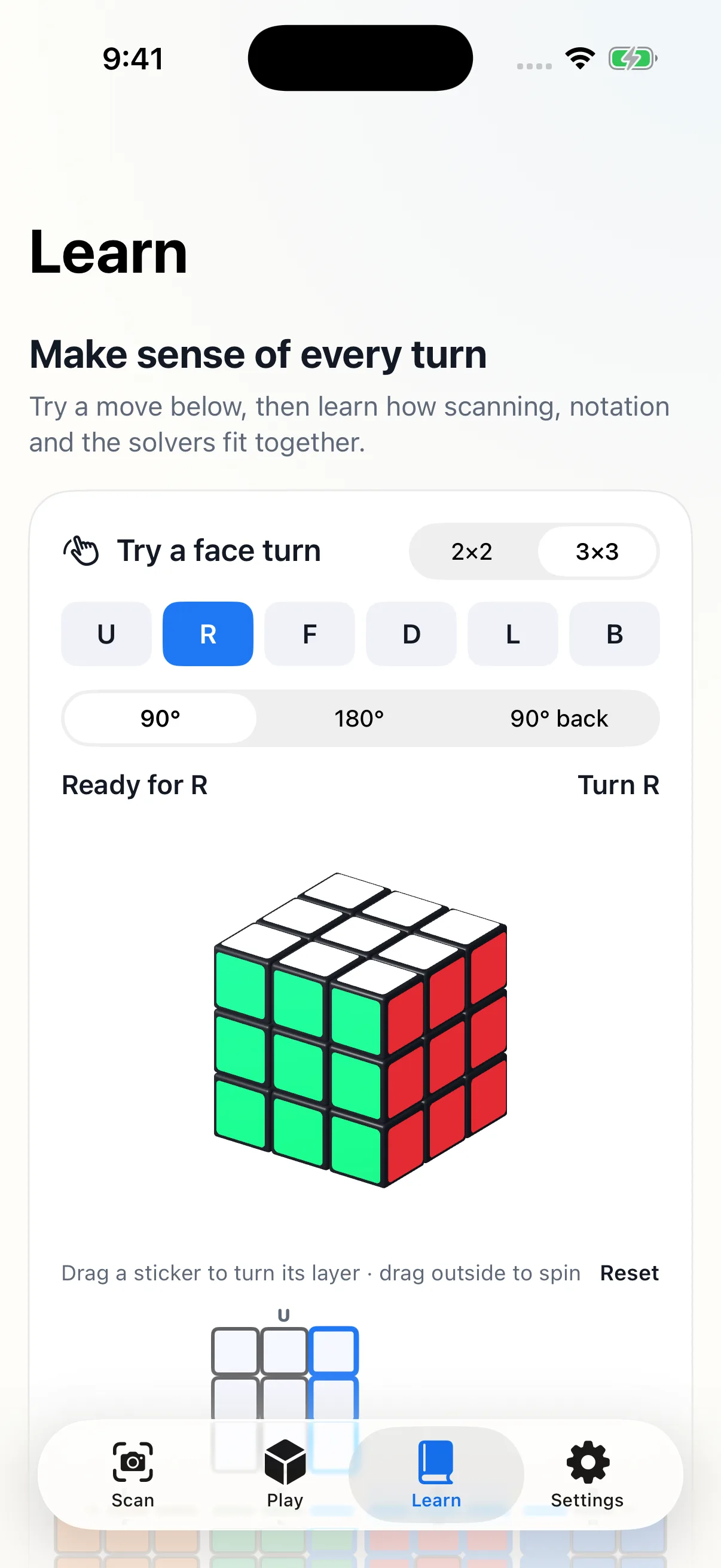
Practice face turns in Learn, then compare the 3D cube with the unfolded net. The visible affected stickers make notation less abstract.
Mix the 3D cube, drag a piece, use the turn pad, undo a mistake, and ask for a guided solve. Larger 4×4 through 7×7 cubes have a separate Play mode, not camera solving.
Choose a built-in pattern for 2×2 or 3×3 and follow the guided turns. It is a different goal from returning every face to one color.
Cube Solver does not have a verified public App Store listing in the US or Israel yet, so we will not send you to an unrelated app. When its listing is live, this page will link directly to it. On your iPhone, open that link, tap Get, then choose your cube and start with Scan or Play.
Ask for the launch linkThe current build allows a free guide once every seven days; Play and Learn remain available. Unlimited guides and patterns are planned through an optional subscription, with any price and trial shown in the app before purchase.
Yes. Camera and manual color entry support those two sizes. The larger 4×4 through 7×7 cubes shown in the current library are for Play, not camera solving. Other puzzle shapes in the library are previews, not playable yet.
Review the unfolded six-face map before solving, then tap Adjust colors to correct individual stickers. You can also enter colors without using the camera.
The current build includes one free guide every seven days, plus Play and Learn. An optional weekly subscription is being prepared for unlimited guides and patterns. Any actual price or trial eligibility will appear in the app before purchase; we do not quote an unverified store price here.
Not yet. We could not verify a public Cube Solver listing in the US or Israel. Use the launch-link email above, or return to this page for the official link when it is live.